
A household asset ledger is a record of belongings and the information that helps identify them. It can be a spreadsheet, a folder with an index or a dedicated application. The useful version is the one somebody can update and retrieve later. A complicated system that stops after the first room is less helpful than a modest record that survives purchases, moves and replacements.
Start by deciding what you want the ledger to do. Finding a receipt, preparing a moving list and discussing insurance documentation are related tasks, but they do not require identical detail. This guide concentrates on recording household possessions and keeping their supporting material accessible. It does not calculate insurance coverage, appraise belongings or establish legal ownership.
Choose one small area
Select a room or a group of items that can be recorded in one session. A living room is a manageable place to learn the method. Gather a phone or camera and whatever receipts are readily available. Do not postpone starting until every document has been found.
The NAIC home inventory resource provides a starting point for recording belongings, including photographs. Review it before deciding whether you need a new tool. A familiar spreadsheet and an organized folder may be sufficient for a first test. The goal is to establish a useful record, not adopt software for its own sake.
Choose a clear boundary for the session. For example, record the main electronics and furniture in the selected room, then note which smaller categories remain. A visible incomplete section is easier to revisit than an inventory that appears comprehensive but quietly omits half the belongings.
Use fields that answer real questions
Give each entry a stable identifier, such as LR-001. The identifier connects photographs and documents even if you later change the description or move the item. Add a plain description, room, maker or model where relevant, and the date the entry was last checked.
Useful optional fields include purchase date, purchase amount, receipt location and serial number. Keep the distinction between purchase information and later estimates. If a date is approximate, say so. If a receipt is missing, mark that field as missing rather than entering an invented amount to complete the row.
Add a short status field for active, disposed or transferred. This helps keep an old object from appearing in the current room list after it has gone. A notes field can explain a change, but avoid turning it into a place to store unrelated sensitive information. The ledger should contain what its purpose requires.
Photograph identification details
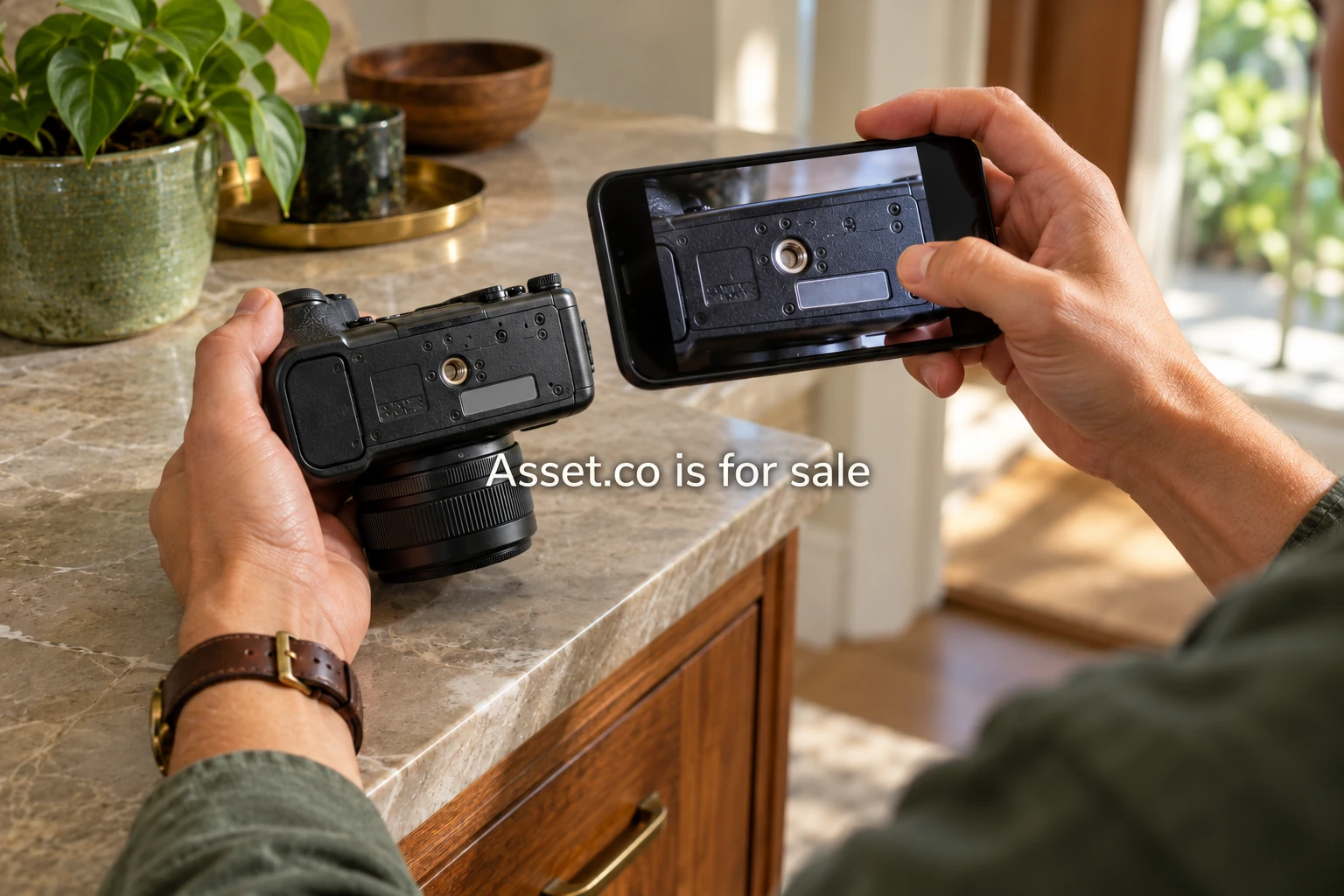
Take an overall photograph that helps identify the object. Where practical, add a model label or distinguishing feature. Check that the image is readable before moving on. A folder of blurred label photographs may feel productive during capture and fail when the information is actually needed.
Name files using the stable identifier and a simple sequence: LR-001-front and LR-001-label, for example. The exact naming convention matters less than consistency. Link the filenames from the entry or place them in a folder with the same identifier so the connection remains clear outside a particular application.
Be aware of what else appears in the image. Personal papers, screens and addresses can enter a photograph unintentionally. Review the frame before sharing any export. A photograph useful for identifying furniture does not need to disclose a nearby letter or a child's personal information.
Keep the receipt connected
Save a copy of a digital receipt in the item's document folder if you are entitled to retain it. A link to an email can help, but it may break if the mailbox changes or another person needs access. Test whether the supporting file opens independently of the application used to create the ledger.
When the available document covers several purchases, note the relevant line item. Avoid duplicating a sensitive document into multiple widely shared folders merely for convenience. The working index can identify where the approved copy is kept and who may access it.
For specialist objects, record the existence and date of any professional report without reinterpreting its conclusions. Keep the author's identity and the original document. A household note and a professional appraisal have different roles; the ledger should help a reader tell them apart.
Avoid a misleading total
A purchase amount tells you something about a past transaction. It is not automatically the current value, replacement cost or amount an insurer would pay. If you include estimated values, label the basis and date and discuss the relevant questions with the appropriate professional.
Do not add unlike amounts into a grand total without a clear reason. A ledger containing an old purchase price for one item, a current estimate for another and an appraisal for a third does not have a meaningful single valuation simply because the spreadsheet can add the column.
A more useful summary may list which entries lack documents or need review. That helps the household decide what to do next without pretending the record answers a question it was not designed to answer.
Set sharing boundaries
Decide who can edit the working ledger and who only needs a selected export. A partner organizing the household may need broader access than a professional receiving one document pack. Review access whenever circumstances or responsibilities change.
Do not place passwords, alarm codes or full account credentials in the inventory. An ownership record can identify the existence of a related document without becoming a universal key to every account. Choose storage controls suited to the sensitivity of the material and understand the recovery options before relying on a service.
The NAIC's homeowners claim guidance discusses keeping an inventory securely at another location. For a digital ledger, test an independent backup and confirm that an authorized person can retrieve it. A backup that cannot be opened is an unresolved task, not a completed safeguard.
Test the export before expanding
Export the first room as a readable list and a folder of supporting files. Open it on another device if one is available. Ask whether the identifiers still connect the entries with the photographs and whether the description makes sense without the original application.
If another authorized household member is helping, ask that person to find one receipt using only the export. Observe the confusing steps and simplify them. This small test can prevent hours of capture in a format that is difficult to use later.
Attach updates to an event
Choose an update trigger that fits ordinary life: a monthly receipt review, a move or disposal of a major object. Record the change date and retain whatever history is useful for the stated purpose. You do not need to revisit every entry whenever one item changes.
After the first update, check whether the export and backup reflect it. Then expand to another room using the same method. A maintained ledger grows through repeatable small sessions, with a clear field list and working retrieval. That is a more useful outcome than an impressive initial total with no practical way to keep it current.